
Interval running
for Wear OS
Drag your intervals together on the phone, then leave it at home: your Wear OS watch runs every step on its own and taps your wrist when to push.
Free. No account,
no ads, works offline.
On the wrist
What's inside
set out as an interval session, naturally
Draw the workout, skip the forms
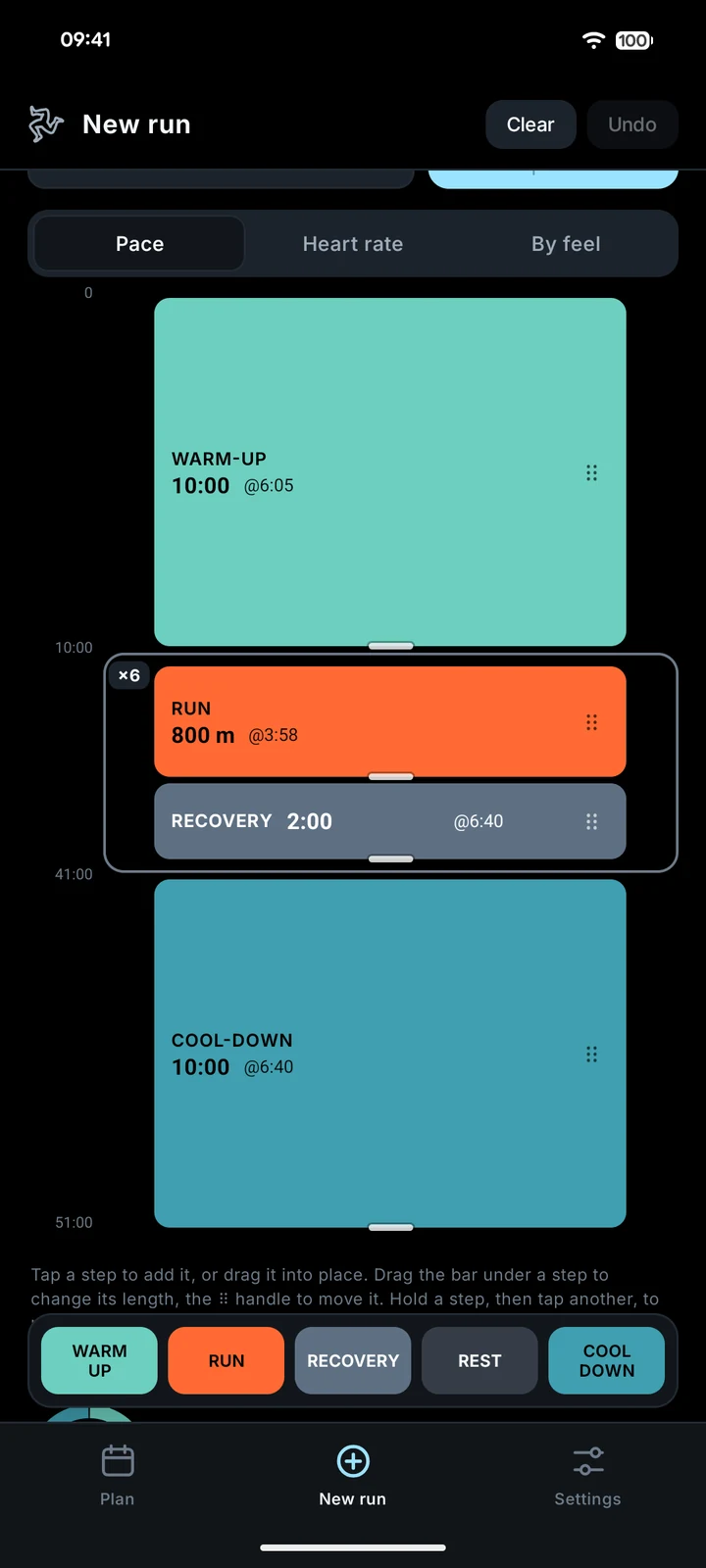
On the phone, time runs down the screen and a block's height is its length. Tap to add a step, drag to move it, pull its edge to stretch it, select a few and repeat them. Aim by pace, heart rate or feel. Six ready sessions if you'd rather not draw, and a plan of weeks you can copy forward.
Your phone can stay home
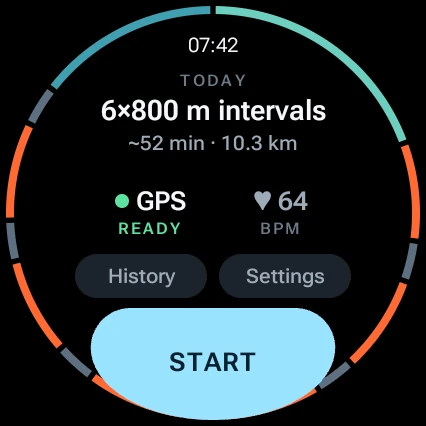
The next four weeks of your plan already live on the watch. GPS and heart rate come from the watch itself, steps switch on their own, and the finished run slips back to your phone the next time they're together. No signal needed, anywhere.
Feel it, don't read it
A long buzz for a new step and a 3-2-1 before it. Different nudges for too fast and too slow. You can try every pattern and turn it up in Settings, so you know them before the first rep.
One number at a time
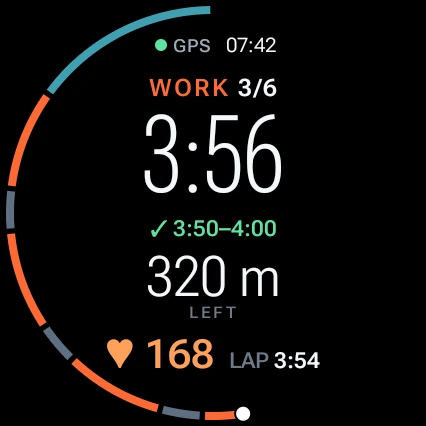
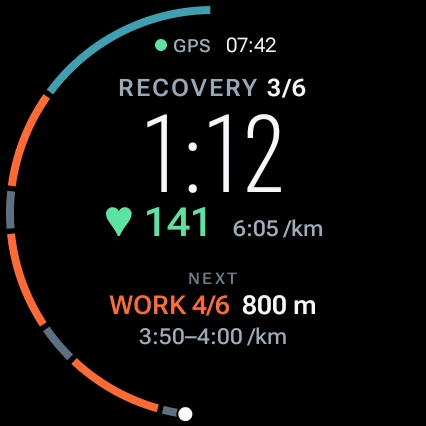
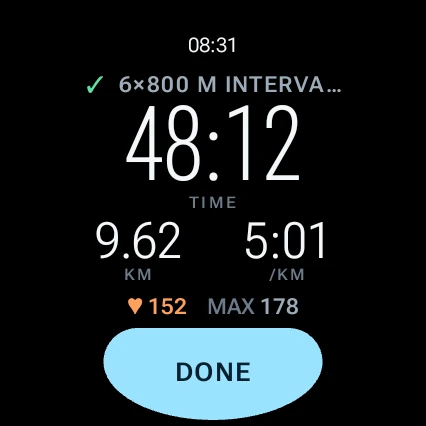
The run screen shows what the step is about: pace on a pace rep, heart rate on a heart-rate rep, time left and what's next while you recover. Under it, in plain words: ✓, SPEED UP or SLOW DOWN. The ring around the edge is the whole session.
Hard to break
Stopping takes a hold and a yes, so a sleeve can't end your run. The screen stays awake. Auto-pause at traffic lights, if you want it. And if the app gets killed mid-run, the run carries on from where it was.
Your runs stay yours
No account and no Rennur cloud: everything lives on your watch and phone. Every run gets a summary with laps, reps and time in heart-rate zones, and exports as TCX or GPX for Strava or anything else. One zip backs it all up.
Leave the phone
at home.
Rennur needs a Wear OS watch and an Android phone. Built and tested on Pixel Watch 4 and a Pixel phone.